How to add images to course and instructor pages
The steps are the same to add and image to a course page and an instructor page.
- Login to the site
- Go to "Content" and filter on the content type you want to edit
- Filter on "Conted Course" or "Conted Instructor"
Here are screenshots and instructions the "Conted Instructor" content type:
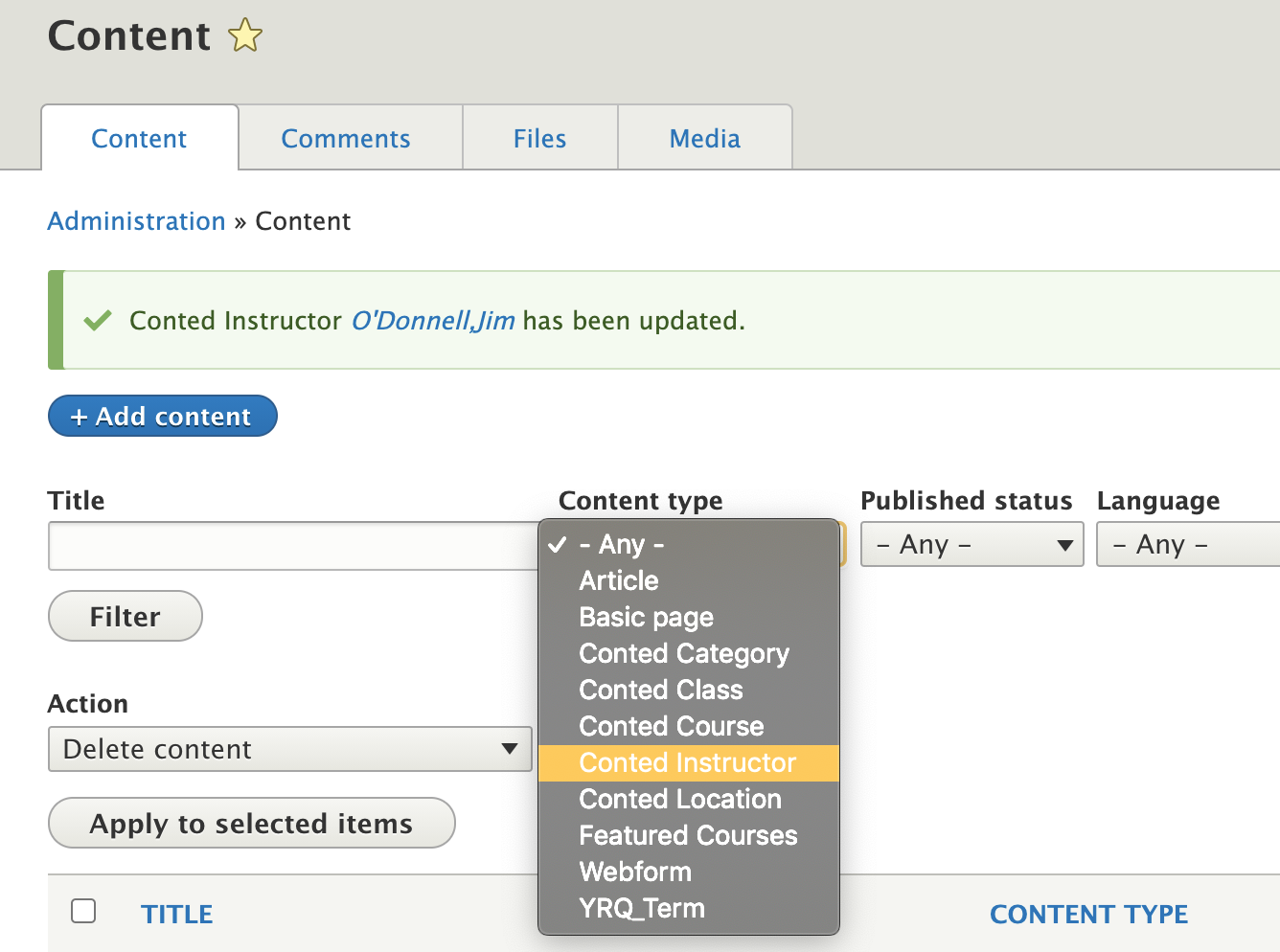
Click edit on Instructor page you want to add image.
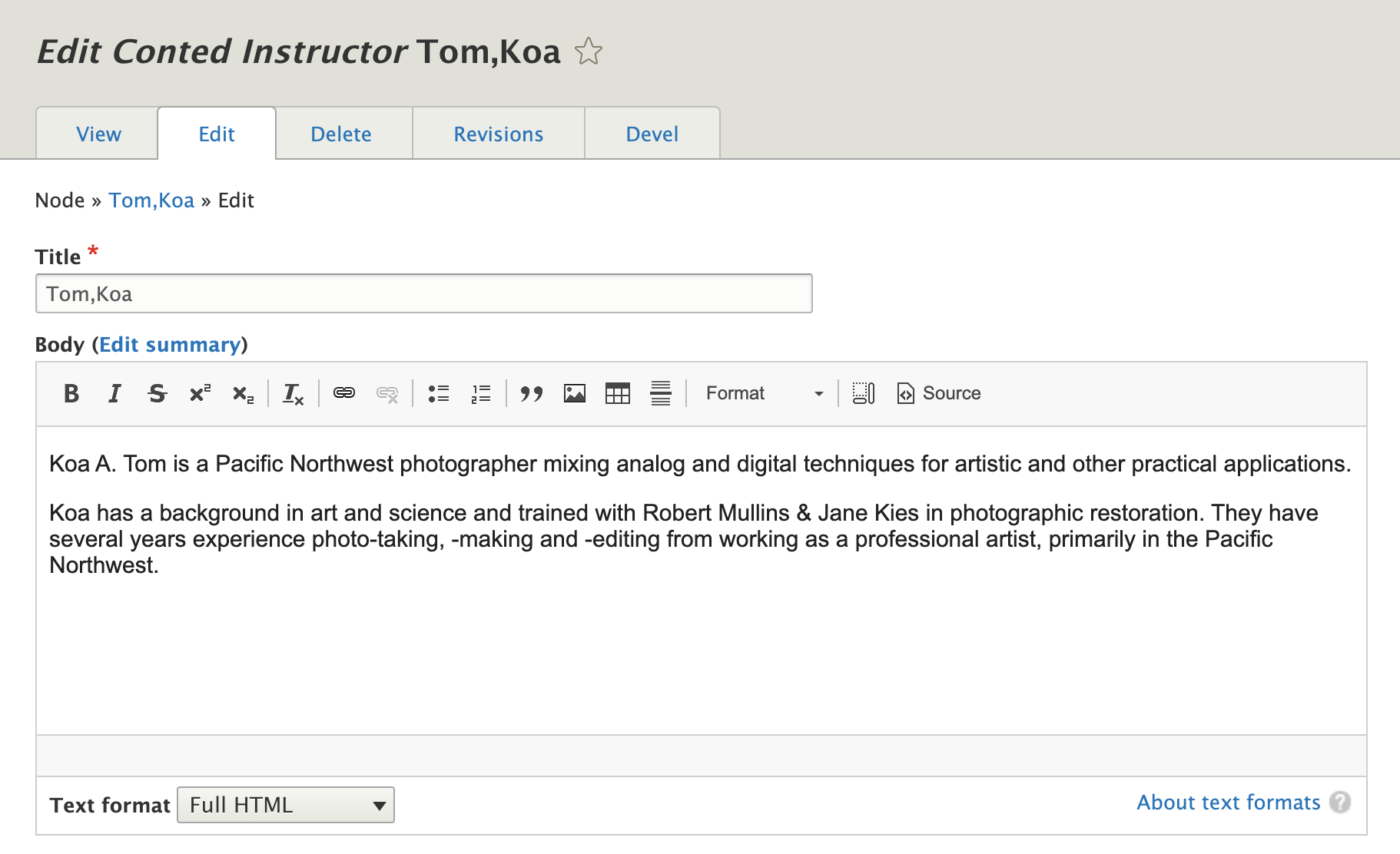
Scroll down and click "Add Media"

Add image and save.
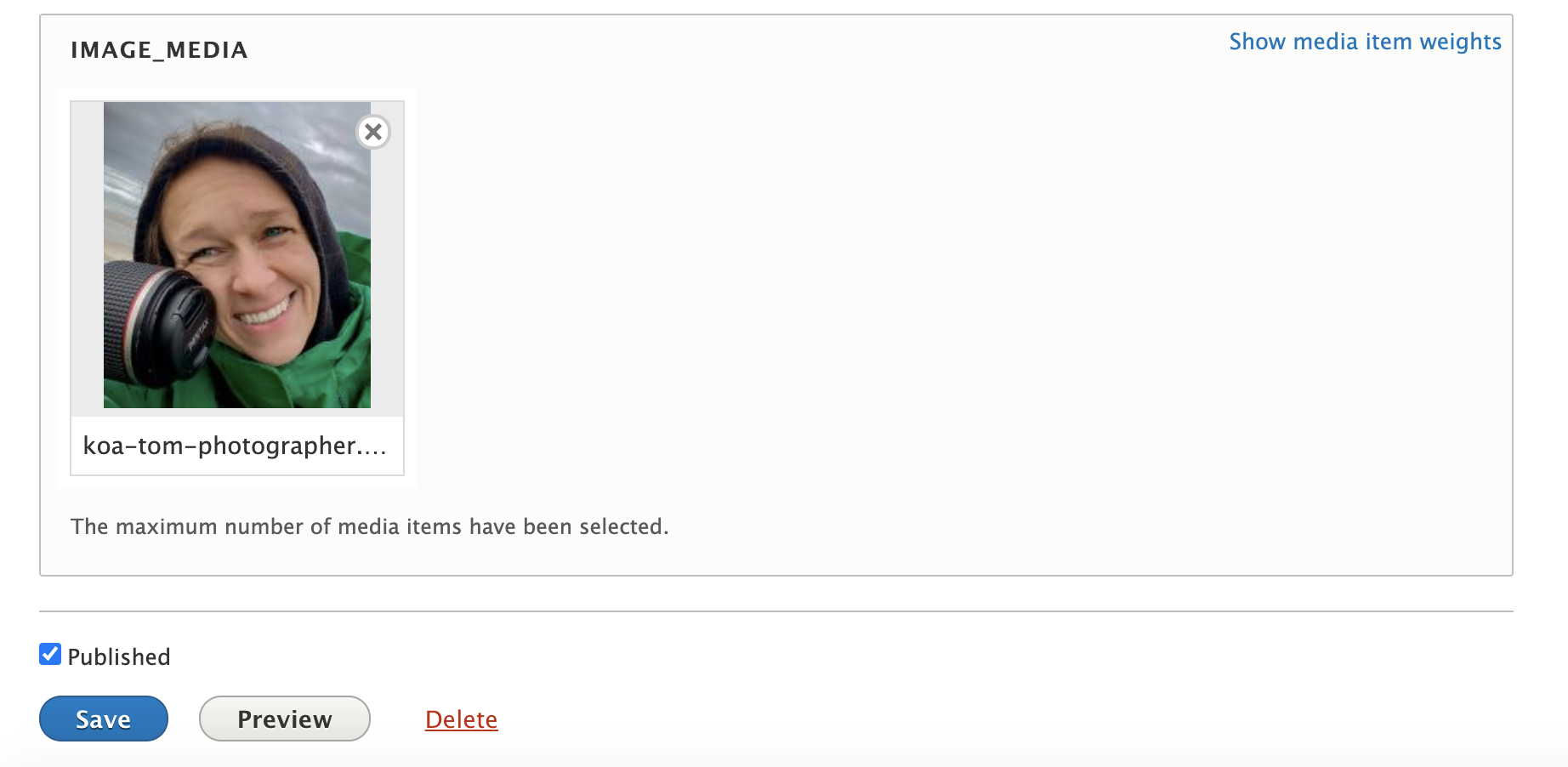
asdf